> For the complete documentation index, see [llms.txt](https://docs.geefi.io/llms.txt). Markdown versions of documentation pages are available by appending `.md` to page URLs; this page is available as [Markdown](https://docs.geefi.io/geefi-token/how-to-buy.md).
# How to Buy
This step-by-step guide will help you buy GEE tokens using ETH, USDT, USDC, other cryptocurrencies, or even a credit/debit card. Follow the instructions carefully to complete your purchase safely and efficiently.
### **Buy with ETH on the Ethereum Network**
* Click the **“Connect Wallet”** button, select your wallet, and approve the connection.
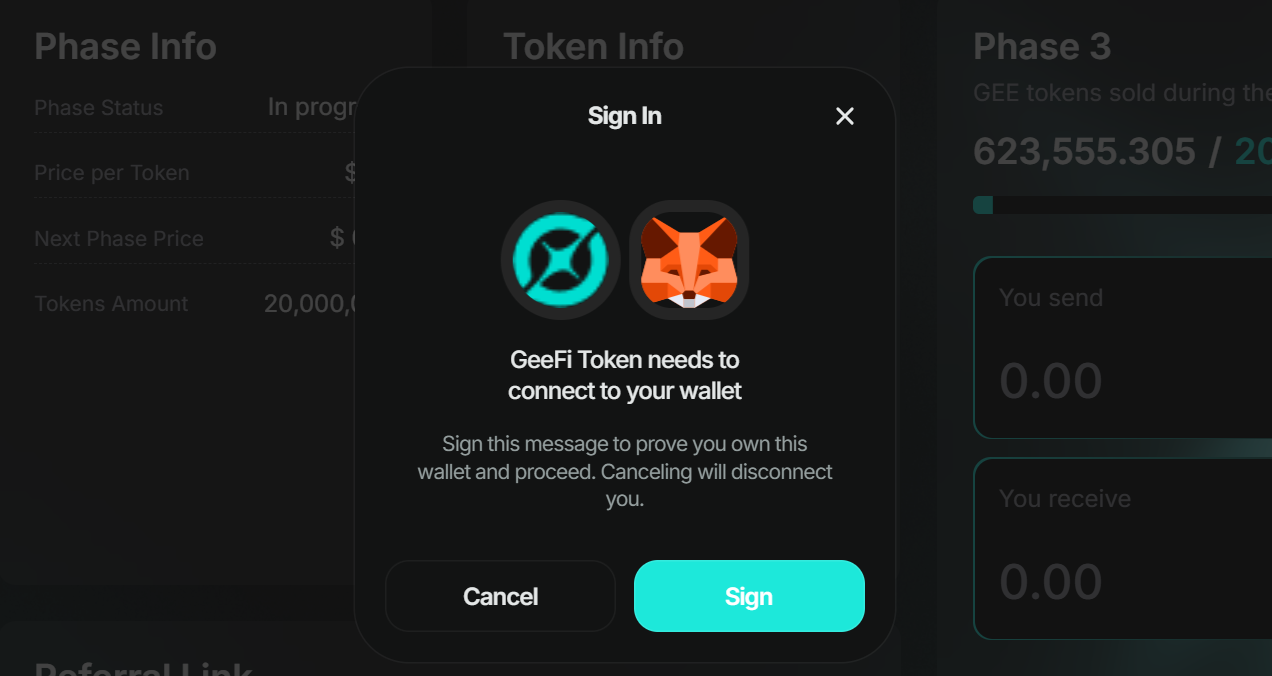
* Click the "**Sign**" button.
* Sign the prompted message in your wallet.
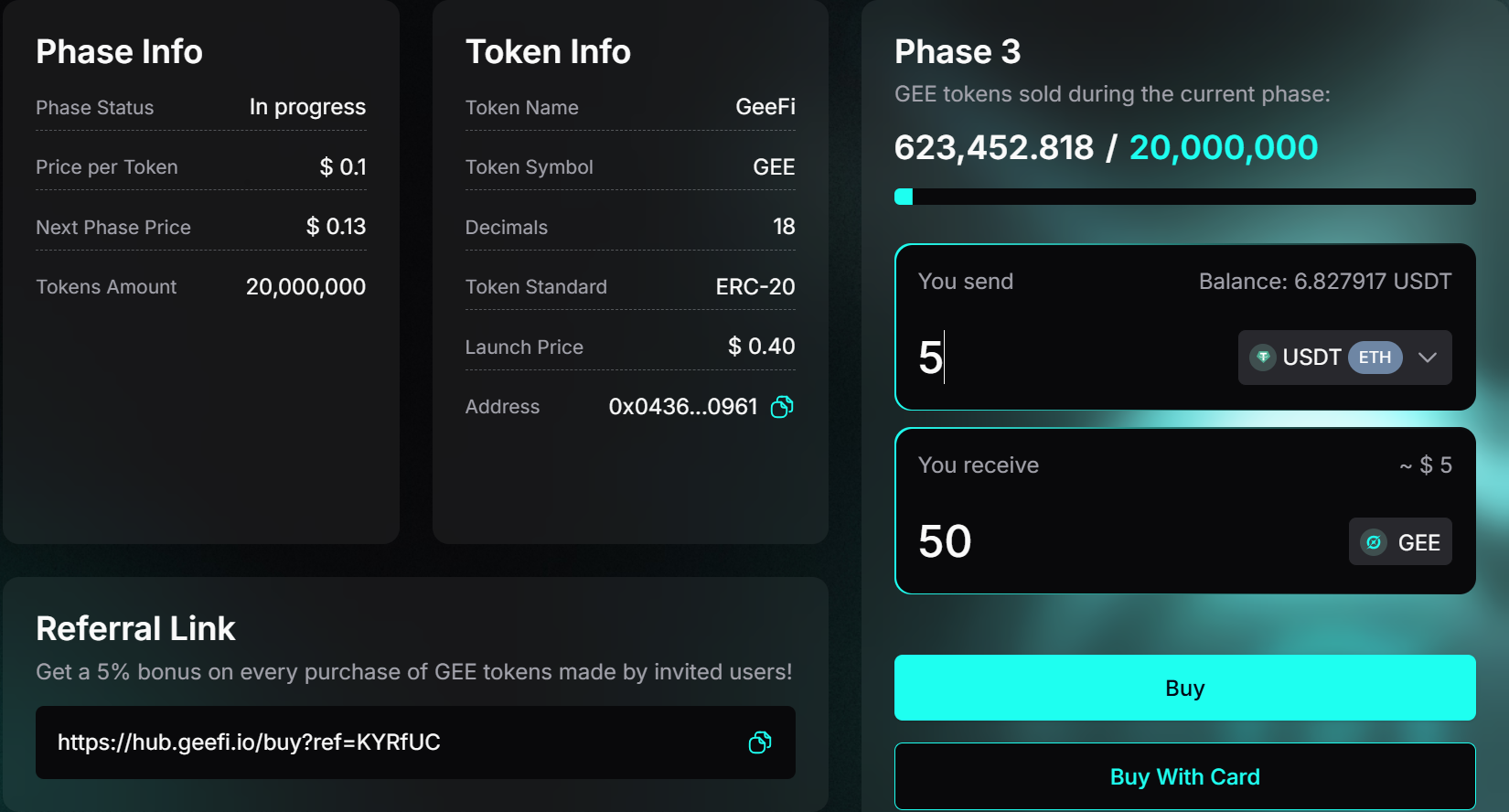
* Enter the amount of ETH you wish to spend and click the **“Buy”** button. As you enter the amount, you will see a preview of the GEE tokens you will receive.
{% hint style="info" %}
**Important:** Do not use your entire ETH balance — you will need some ETH to cover gas fees.
{% endhint %}
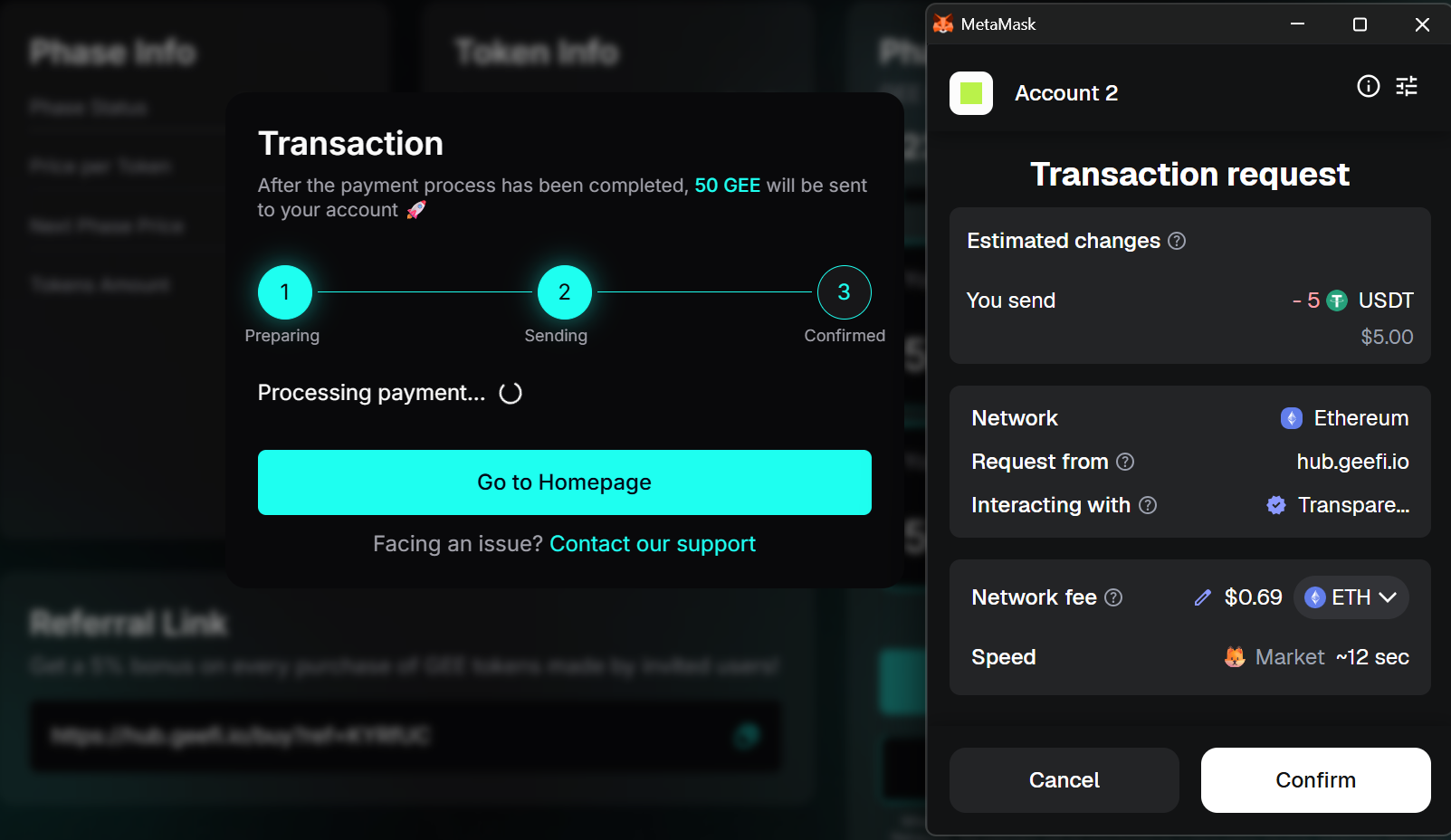
* Confirm the purchase in your wallet.
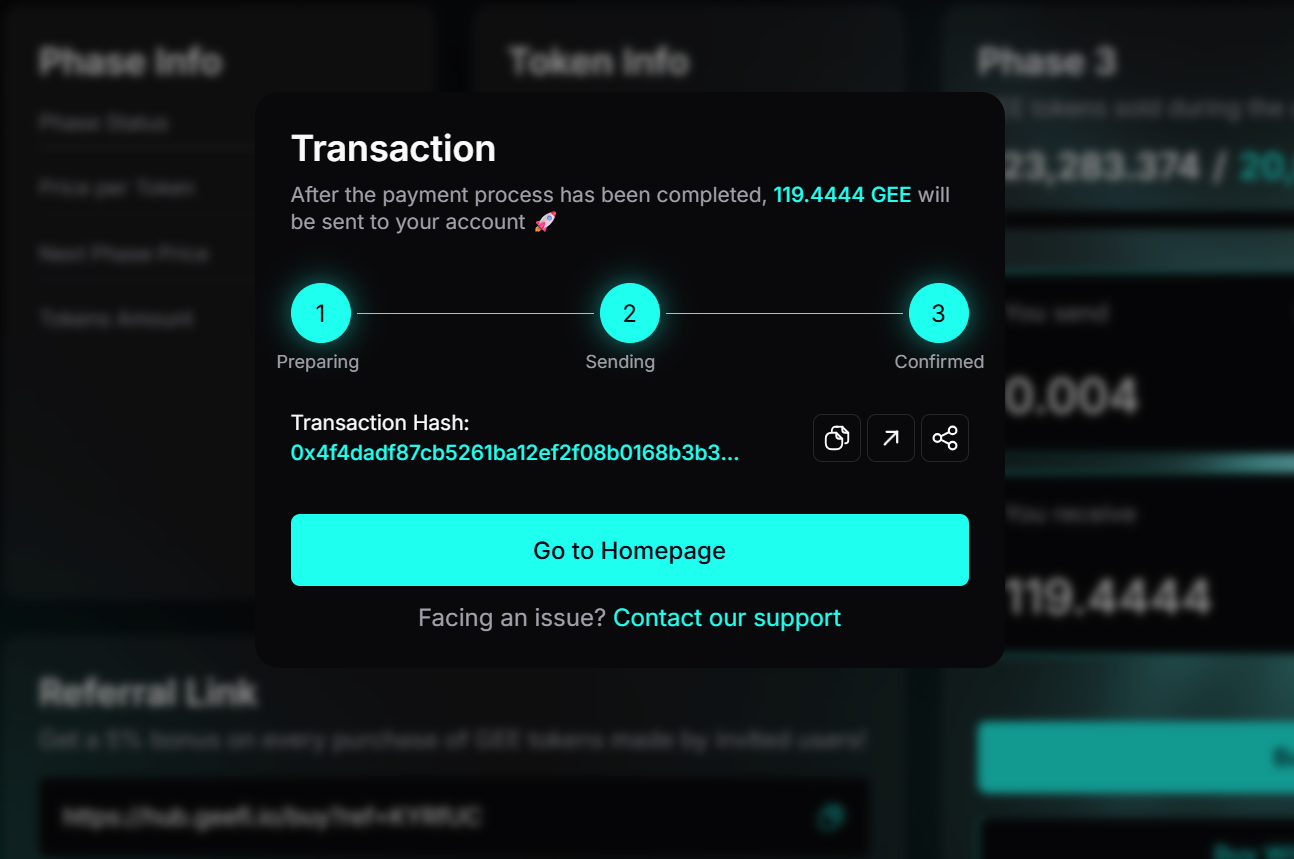
* Once the transaction is confirmed on the blockchain, a confirmation message will display the amount of GEE tokens you received.
### **Buy with USDT / USDC on the Ethereum Network**
* Click the **“Connect Wallet”** button, select your wallet, and approve the connection.
* Click the "**Sign**" button.
* Sign the prompted message in your wallet.
* Enter the amount of **USDT** or **USDC** you wish to spend to see a preview of the **GEE** tokens you will receive, click the **“Buy”** button to continue.
{% hint style="info" %}
**Important:** Make sure you have a small amount of ETH in your wallet to cover Ethereum network gas fees.
{% endhint %}
* Approve the **spending cap** request in your wallet. After that, another request will appear to approve the purchase itself.
* Approve the purchase request.
* **Note:** If you completed step 4 but accidentally closed your wallet, missed step 5, or did not receive the purchase request, don’t worry. Enter the exact amount you approved for the spending cap and click **“Buy”** again. You will receive the purchase approval request and can complete your transaction. If you enter a different amount than the approved spending cap, you will first be prompted to remove the previous cap, and then the process will continue normally from step 4.
* Once the transaction is confirmed on the blockchain, a confirmation message will display the amount of GEE tokens you received.
### **Buy with Other Coins (BTC, SOL, XRP, etc.)**
* Click the **“Connect Wallet”** button, select your wallet, and approve the connection.
* Click the "**Sign**" button.
* Sign the prompted message in your wallet.
* Select the currency you wish to use and enter the desired amount.
{% hint style="info" %}
**Note:** Since a third-party provider is used for these payments, minimum amounts differ per coin. If the amount is too small, an error message will prompt you to adjust it.
{% endhint %}
* Click the **“Buy”** button to generate the payment details.
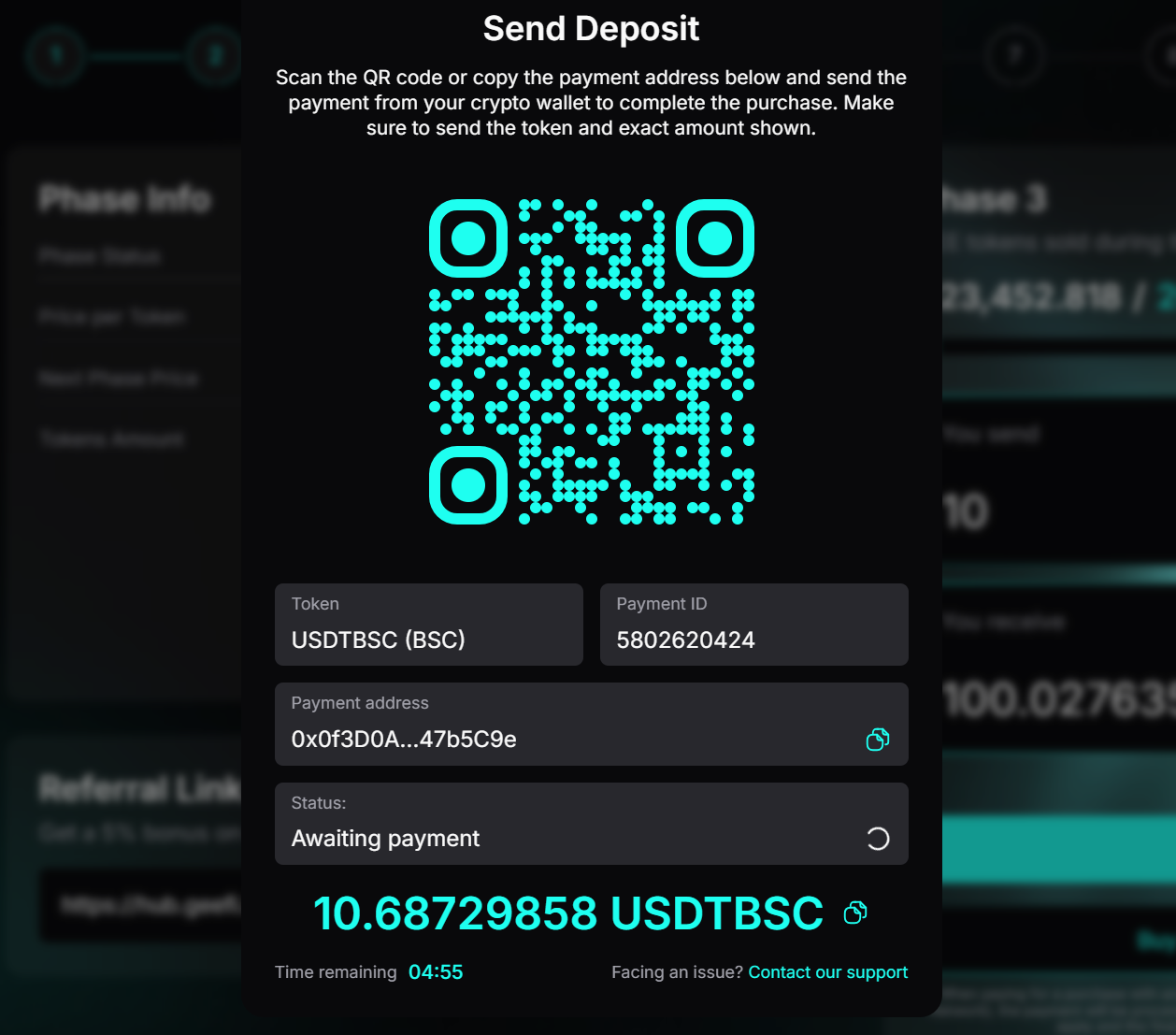
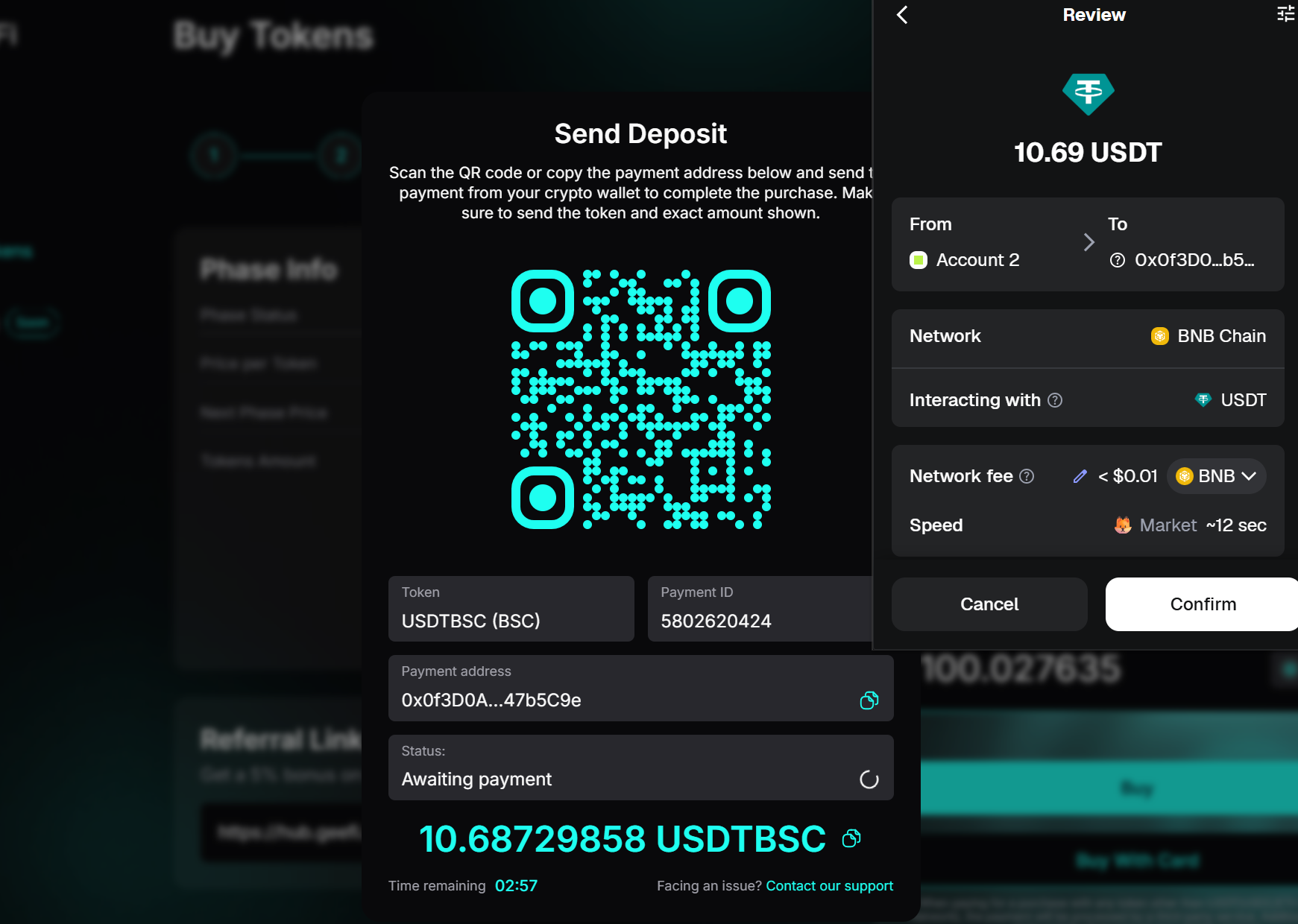
* Scan the QR code with your wallet or copy the payment address using the copy button. Create a new **“Send”** transaction in your wallet, select the chosen coin, and enter the exact amount displayed to avoid delays.
* Confirm the **send transaction** in your wallet.
{% hint style="info" %}
**Note:** Ensure payment is made before the remaining time expires. If you encounter any issues, contact support via the live chat.
{% endhint %}
* Once the transaction is detected, the status will change from **“Awaiting Payment”** to **“Processing Payment.”**
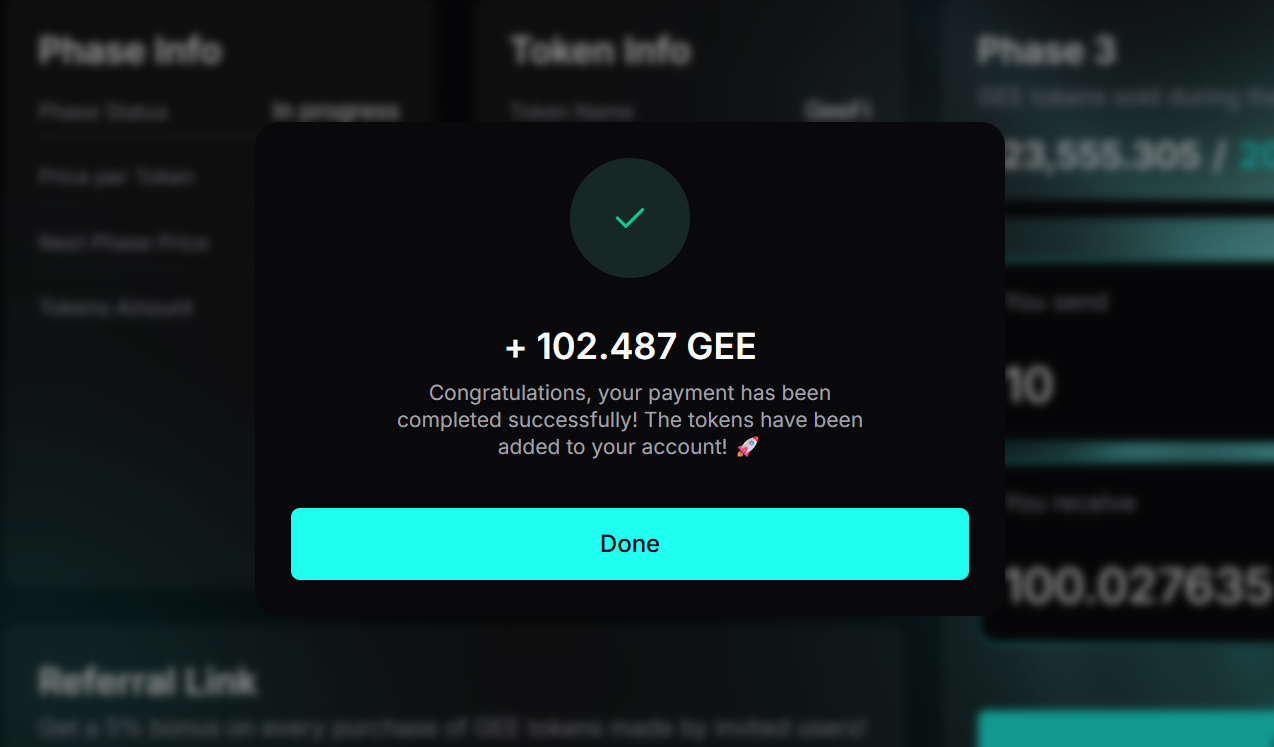
* Once the transaction is confirmed on the blockchain, a confirmation message will display the amount of GEE tokens you received.
### **Buy with Card / Other Payment Methods**
* Click the **“Connect Wallet”** button, select your wallet, and approve the connection.
* Click the "**Sign**" button.
* Sign the prompted message in your wallet.
* Click the **“Buy with Card”** button.
* Select one of the available providers.
* Follow the provider’s instructions to purchase crypto. We recommend Ethereum as the easiest option for purchasing GEE, but you may select any supported coin.
* After acquiring crypto, follow the corresponding steps above for the coin you purchased to complete your GEE token purchase.